Figma prototypes
Create prototypes for user research using the NHS App prototype. There are lots of benefits of protoyping in code.
However, Figma is also a helpful tool for quickly creating and collaborating on concepts. Using the NHS App Figma library, you can add ready-made NHS App design system components and patterns into your Figma file.
How to add the Figma library to your file
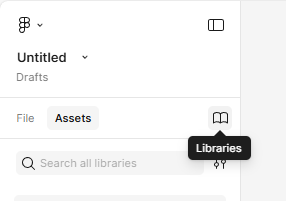
- In your Figma file, select Assets in the left-hand menu.
- Select the book icon to open your libraries.
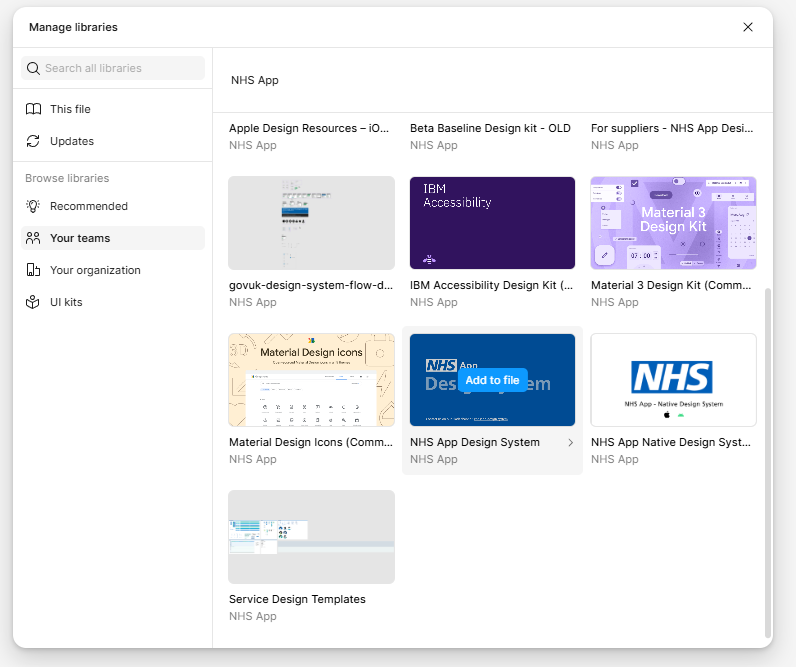
- Select Your teams.
- Find "NHS App design system" and select Add to file.
How to check for updates to the Figma library
- In your Figma file, select Assets in the left-hand menu.
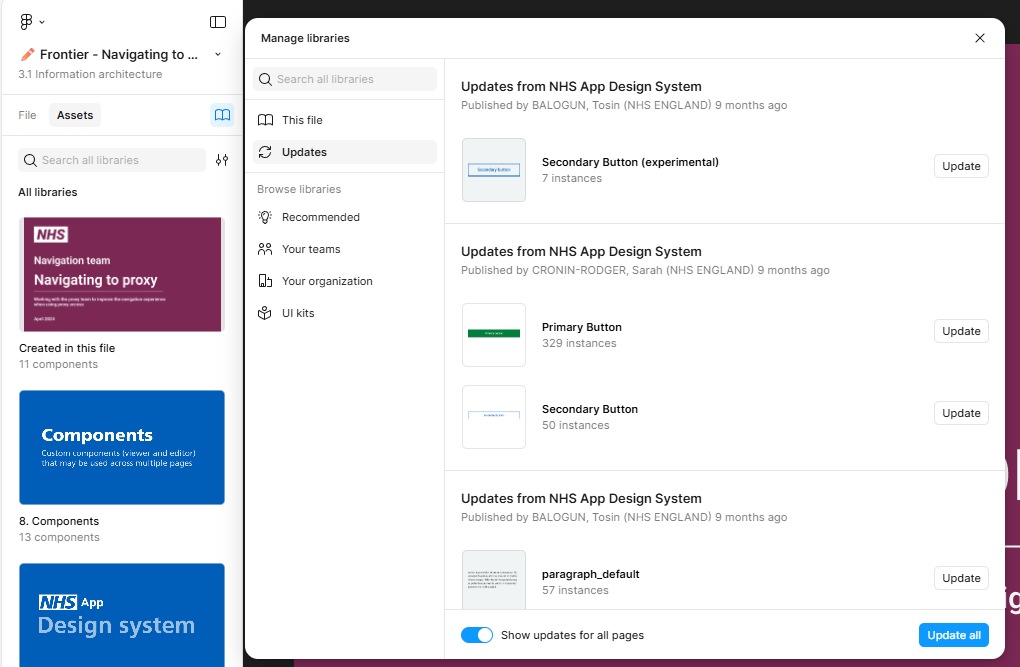
- Select the book icon to open your libraries.
- Select Updates. This will show you any assets that have been updated in the NHS App Figma library, and how many instances of each asset there are in your file.
- Select Update next to individual assets or select Update all to update everything in your file. You may first need to toggle on "Show updates for all pages" if you have multiple pages in your file.
How to find and use components and patterns
- In your Figma file, select Assets in the left-hand menu.
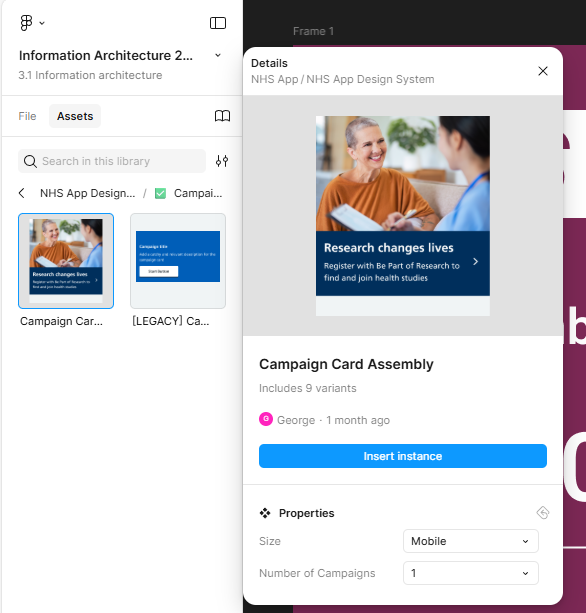
- Select NHS App design system.
- Find the asset you need. In the Properties menu you can choose any variations available.
- Select Insert instance to add it into your file.
How to improve the Figma library
Your input helps us keep the Figma library updated. If you want to add or update a component or pattern, contact the NHS App design system team and we can guide you to update the file directly.